

There's so much to think about when you publish content on the web. Besides writing a good text, you need to optimise for keywords, fix links, structure it for social media and much more.
Whatever kind of content you're publishing, you always need to check the same steps. That makes a checklist perfect. It turns a long and detailed process into a simple one. Follow the steps instead of forgetting important details.
That's the checklist you get here. A big checklist with 22 points across lots of different categories.
At the bottom, you can also download a shorter, handy PDF version without all the descriptive text. Just headings and checkboxes you can always keep close at hand.
Text and structure
The foundation of good content is always the text, of course. Without a good text, everything else is in vain. The following 6 points help you add the finishing touches.
1. Does my headline make the reader want to click?
A good headline both helps the reader understand the content and makes them want to click when they see it.
This matters most for content like articles and blog posts that need to draw the reader in. But for pages too, it's important that the headline is something the reader recognises and finds interesting.
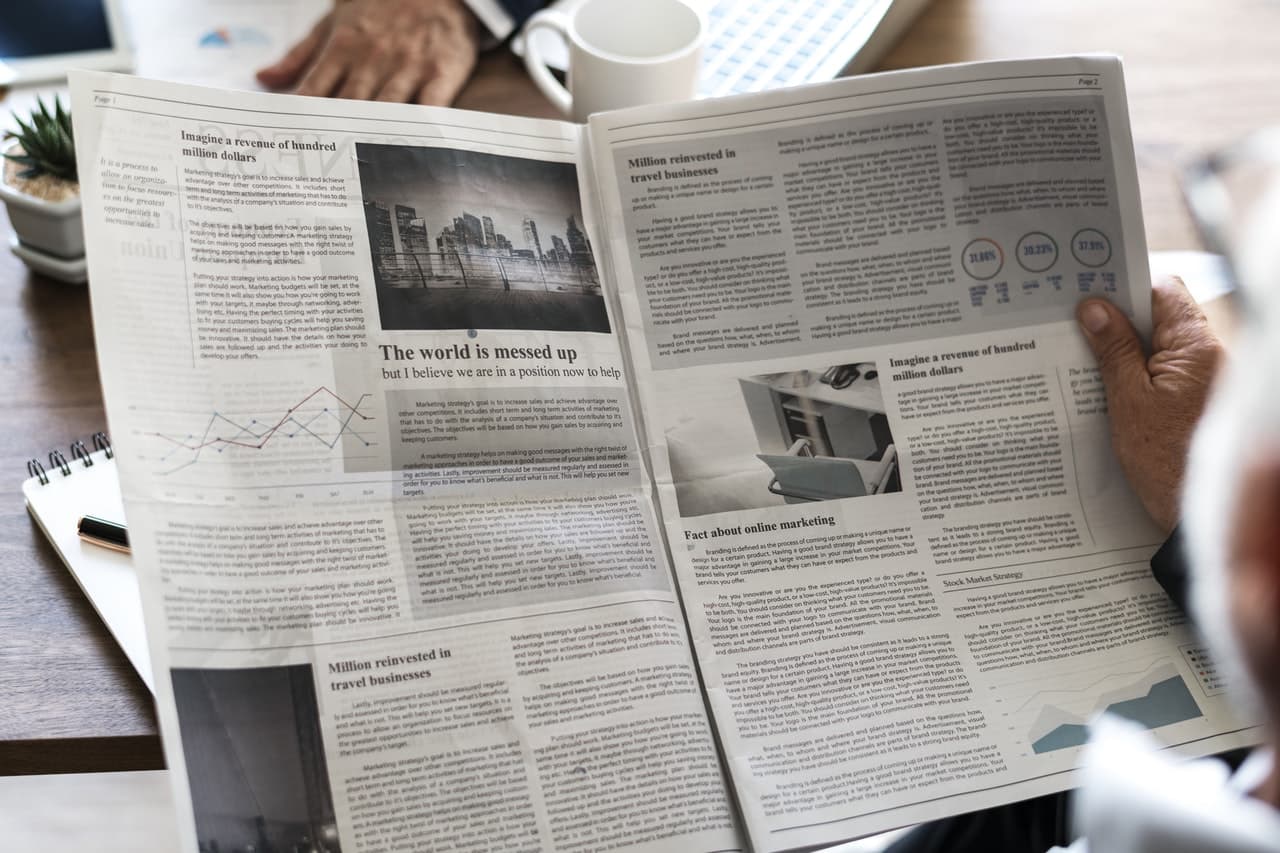
What a newspaper needs in its news, in its headlines, and on its editorial page is terseness, humor, descriptive power, satire, originality, good literary style, clever condensation, and accuracy, accuracy, accuracy!
Joseph PulitzerJoseph Pulitzer
2. Does my content have a key point?
Sometimes when you write, you wander off a bit. You know everything about the topic you're writing about. The reader doesn't. Otherwise they wouldn't be reading!
When you've finished writing, read through everything again in its full context. Ideally a few days after you're done. With fresh eyes, you might notice that the point you want to make isn't that clear after all.
A clear point is important in communication. Without it, you lose the reader.
3. What's my call to action?
Just as it's important for your content to have a key point, it's just as important to have a "call to action". What do you want the reader to do once she's read your text?
When you make sure your texts have both a key point and a clear call to action, your readers will take in the texts more easily.
4. Is my content useful for the target audience?
Hopefully you already thought about this before you started writing… Either way, now is your last chance to think critically about whether what you've written is useful and valuable for the target audience.
If you find you're a bit unsure about this, ask someone near you to take a look. An extra opinion is always good. If you (against all odds) conclude that it isn't that useful, think about how you can rewrite parts of it to change that.
If it's useful: Great job! Just carry on with all the other points.
Give the text to a colleague or friend. They'll definitely come back with good feedback.
5. Is my content free from errors?
We've all spotted a few small typos in content we've just published and started sharing far and wide. How on earth did we miss that??
Granted, it's easy to fix things online. But if you take a step back and review your content, you can find other good improvements.
The best tips for publishing error-free content?
Take a few days' break after you first write the text. When you read it again, you see everything with new eyes.
Read the text out loud to yourself. It's a helpful way to slow down and read what it actually says, not what you think it says.
Give the text to a colleague or friend. They'll definitely come back with good feedback.
6. Have I chosen the right categories and tags? Have I placed it correctly in the website's structure?
In practice, this differs a bit depending on what kind of content you've produced.
Blog posts and articles should be in the right category and perhaps have the right tags or labels, depending on how the website is set up. It helps the reader find other interesting content when they're happy with what they're reading. And that's what you want to happen!
Pages and similar content need to sit in the right place in the website's structure. The right context improves understanding and makes it easy to find, both for visitors and for search engines.
Layout
However good the text is, it doesn't matter if nobody reads it. If you lay out your content well, it becomes easier to understand and you reach the reader better.
7. Does the content look visually interesting, or is it a wall of text?
Content online needs to be easy to read and scan on different devices. It has to look interesting to the reader. However good your headline and however interesting the topic, it won't help if the reader is met by a wall of text.
Make the content visually interesting through formatting and layout. Here are some examples of things you can use to make your content more interesting:
Bulleted or numbered lists
Large, visually distinct quotes
Headings
Images and video
Sections with different backgrounds
Columns
Another thing almost EVERYONE forgets: Check how many characters wide your paragraphs are on the website. Anything longer than 60-70 characters is hard to read!
8. Have I broken up the content with clear subheadings?
When you break up the text with several subheadings, you get lots of benefits. The text becomes easier to read. The reader finds the interesting parts faster. You get your main point across more easily.
Just reading this checklist, you notice how much easier it is to find your way with two clear heading levels. A category (text, layout, SEO and so on) and then each point.
9. Are there images or videos in the content?
A picture is worth a thousand words. How many times have we heard that? Like everything that's true, we'll probably keep hearing it for as long as we live.
We humans are visual creatures, and we're drawn to images. They can be beautiful photographs or nice graphs. But make sure the images are high quality. Otherwise they'll make the experience worse.
Graphs and statistics have another advantage. They're easy and effective to share! Videos can add a level of engagement that neither images nor text can.
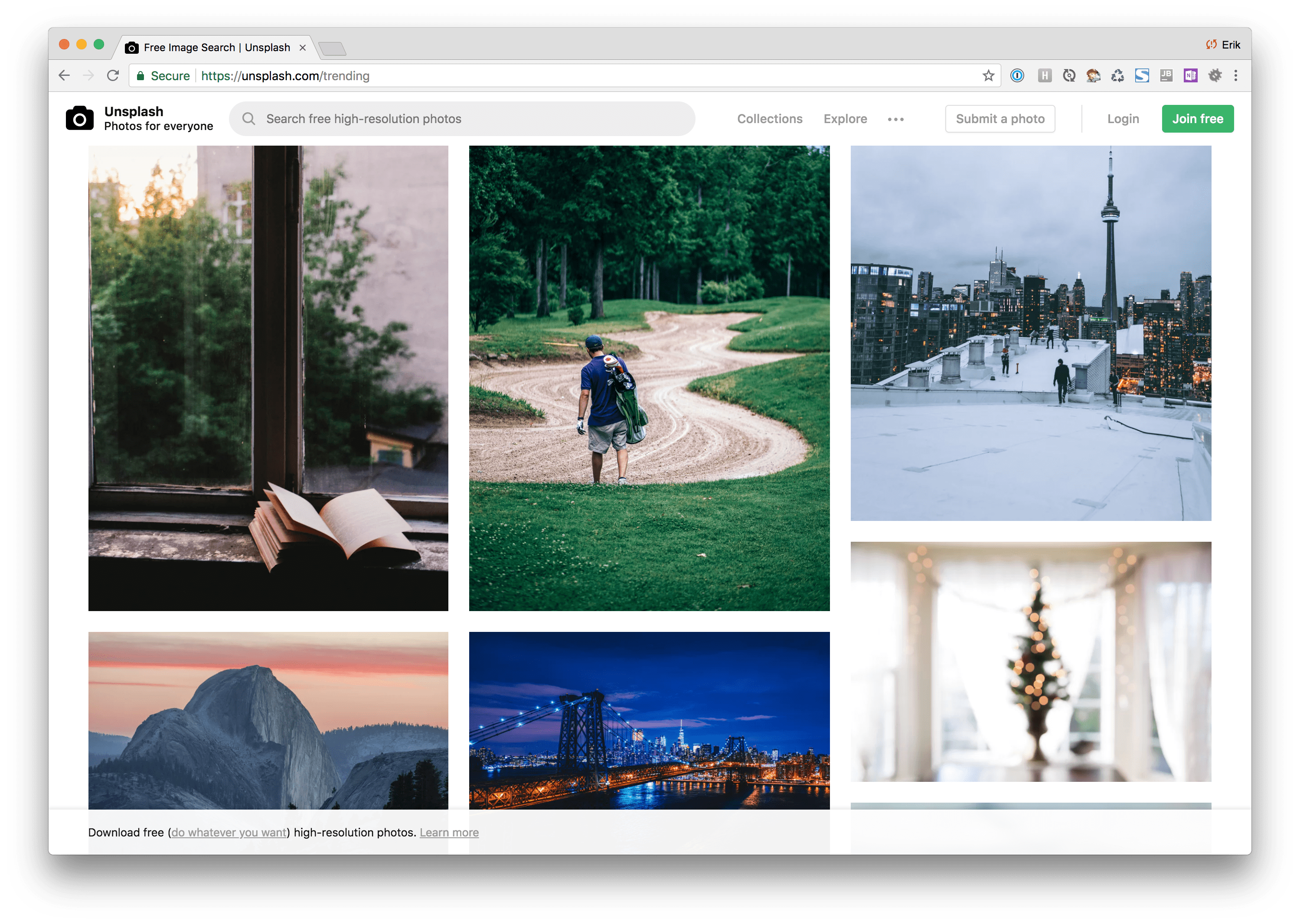
You can find beautiful images (completely free!) on websites like Unsplash and Pexels. No more excuses for not having any.
SEO / Optimisation
Maximise the chances of your content being found organically in search engines by using a few basic tricks for search engine optimisation.
10. Am I using the keyword in the text often enough, but not too often?
When Google scans your page, it tries to work out what the text is about. One of several ways it does that is by measuring which word appears most. That's why it's important to use the keyword you want the content to rank for just often enough.
We call this the keyword density of the text. It should be between 0.5% and 2.5%, depending on a few different factors. In other words, if your text is 100 words and 5 of them are your keyword, you have a keyword density of 5%.
Google is of course smart enough to understand that you're trying to cheat if you use your keyword too often. It also makes the text feel strange.
It's much more important to write for people than for Google. With a keyword density between 0.5% and 2.5%, you get a text that's well optimised for Google and that people still find natural to read.
11. Are the images optimised for search engines?
Images aren't only important for the visual experience. They help your search engine optimisation too.
Google can't see the image, though. What it sees is the file name and the ALT text you add with the image. You should name both carefully.
Take this image of Feskekörka in Gothenburg, for example:

A good ALT tag would be "Feskekörka in Gothenburg at night".
A good file name, on the other hand, would be: feskekorka-goteborg.jpg
12. Are there both internal and external links?
Links are how the web works and how we find new things.
Your internal links serve two purposes. First, they help your readers find other interesting things on your website, so they stay longer and become even more engaged. Second, they tell Google how the content fits together and what's important on the website.
External links, on the other hand, give the reader a different kind of added value. They can be external sources or other interesting articles. Don't be too stingy with your external links! If you give the reader a good experience, they'll come back to your website anyway. They'll also be extra happy about the added value you gave them.
13. Have I written a good title for the content?
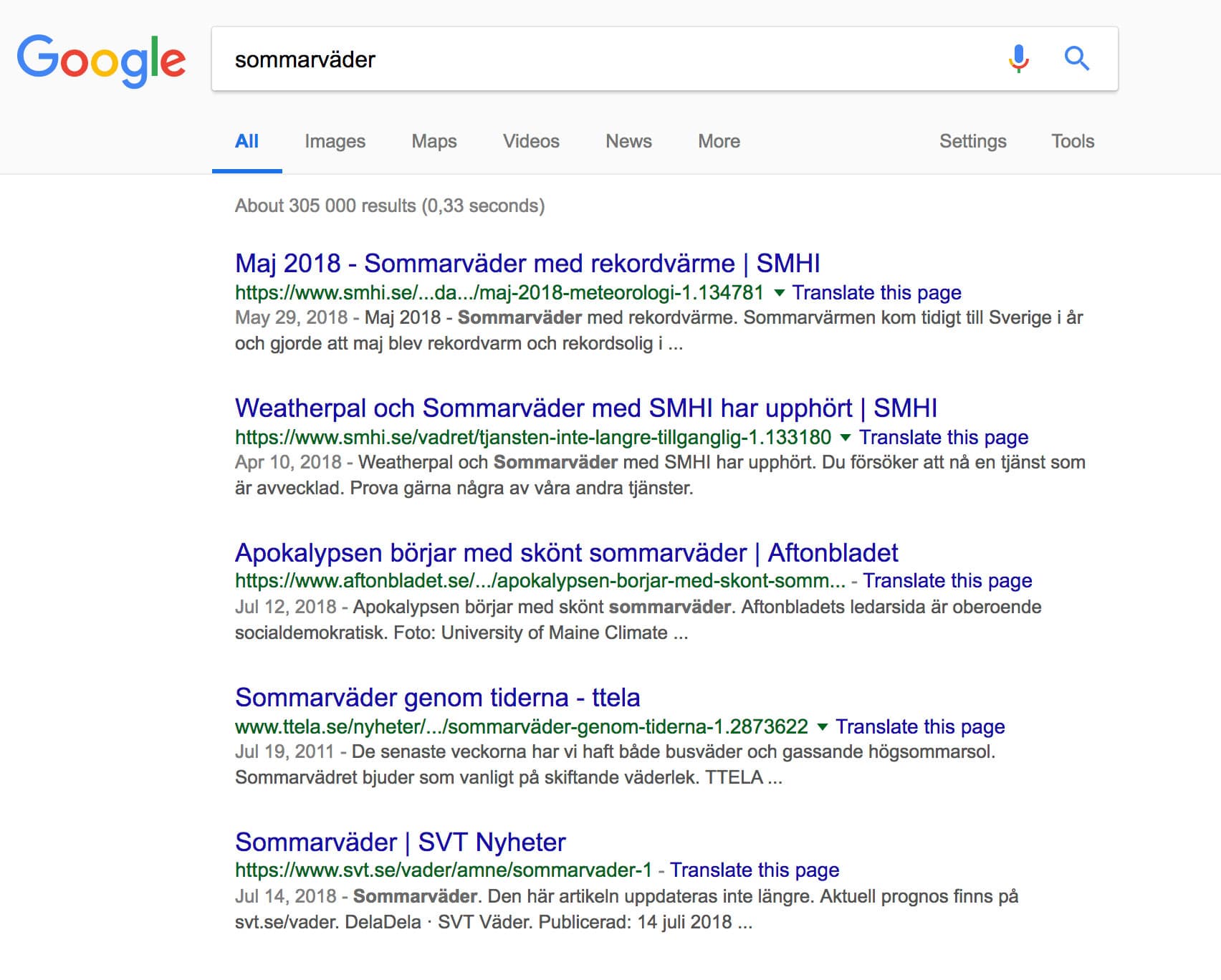
The meta title of the content is the title shown at the top of the browser window and, perhaps even more importantly, in Google's search results.
Your keyword should be in the title. Not because Google gives it that much weight, but because your readers do. Would you click on a result if it didn't seem to be about what you were searching for?
If you keep your title between 45-55 characters long, you know Google won't cut it off.
14. Does the meta description make people want to click?
If you don't specify anything else, Google will pick text from the page and show it as the description in the search results. That's why you want to write your own text, of course.
The goal is to get the person searching to click on your result. Google places no other value on the content. So put all your energy into showing the visitor that she's found the right thing with your content.
Google sometimes experiments with different lengths for this description. To be on the safe side, stick to around 130-150 characters, even though Google has recently experimented with up to 300 characters (and then gone back again).
Meta descriptions have also become a problem because people cheat with them a bit. That's why Google sometimes experiments with picking its own text from the page anyway and skipping the one you wrote.
You should still always write a good meta description for the page, but keep in mind that Google may sometimes decide to skip it.
15. Is the content's link suitable?
When you publish content on the web, it gets a link. This link should also clearly tell the visitor where she'll end up when she follows it.
One of our articles, "Why we rewrote all our contracts and made them extra easy to read", has the link: why-we-rewrote-all-our-contracts-to-be-easy-to-read. Clear and simple.
A case study about a website we built for Staples Connect gets the link: kundcase/webbplats-staples-connect/. Also clear at first glance.
Accessibility
Almost everyone thinks accessibility is only about adapting content for people with disabilities. But as you know, it's about much more than that. Some of us have impaired vision and need glasses, others might not fully master the language. Accessibility makes the world better for all of us.
16. Do all the images in the content have ALT tags?
A screen reader reads content much like Google scans your pages. A blind person depends on a screen reader that reads the page's content aloud. It can't see images.
That's why it's important to add a good ALT text (alternative text) that describes what the image is about. The screen reader can read it aloud, so people who can't see, or who have visual impairments, can understand the content fully too.
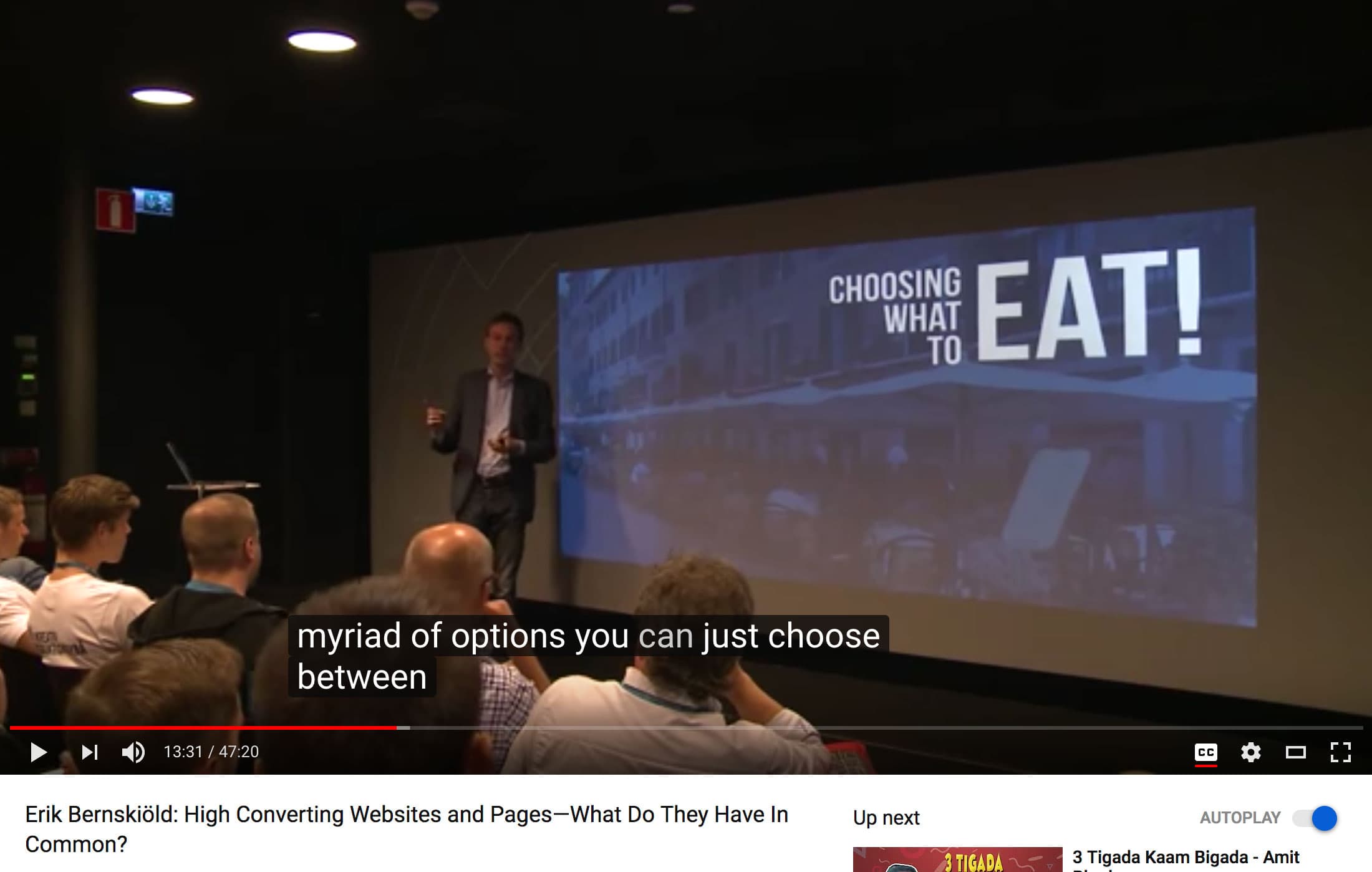
17. Does my video have subtitles?
Have you thought about how people who are hard of hearing or deaf will take in the content of the video you've added? Or people who don't know the main language very well? Subtitles have many benefits.
You solve this easily with subtitles for the video. All the big platforms today, YouTube, Vimeo and even Facebook, have good support for adding subtitles (closed captioning) that the user can turn on.
People who don't need them don't see them. People who want them can turn them on. That gives you maximum accessibility.
Today, when lots of people watch videos on mobile devices without headphones, they don't always want the sound on and disturbing others. If the video has subtitles, you won't lose viewers.
YouTube can also automatically translate your subtitles into more languages. That automatically gives you a bigger audience and better service for people who don't fully know the main language.
Social media
Give your content the best possible chance on social media with a few quick, simple tricks.
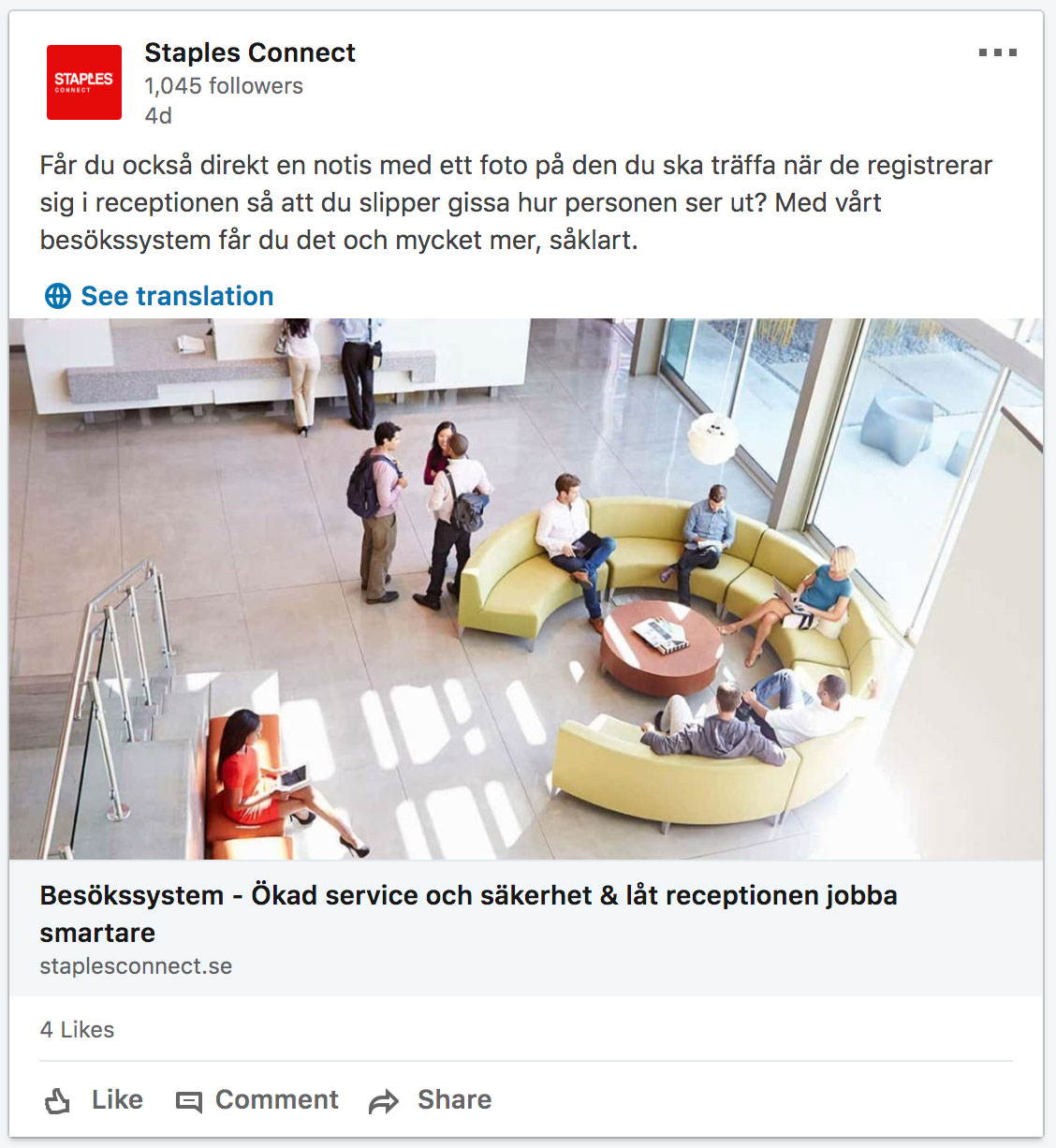
18. Are proper OG tags in place so the content looks good when it's shared?
When you share a link on social media, for example on Facebook or LinkedIn, they pick up a title, a description and an image. This happens completely automatically. They take whatever they find on your website.
You'll want to control this, of course, so you get a good, tailored title, a description that makes people want to click and the right image. Quite often, the image turns out to be some other one from the website, not the one you had in mind.
You solve all of this with OG tags, which most content management systems let you customise.
Performance
People are impatient. However well you've done everything else on the checklist, it doesn't matter if your visitors close the page before the content has loaded. That's why performance matters.
19. Have I optimised the images?
Images quickly get heavy (in kilobytes). You want your website to load fast, both for the visitor and for Google's sake. So you also want to keep the image size down.
An easy way to do that is to re-save your images at a reasonable resolution. Around 1500px wide is usually more than enough. A good content management system (CMS) partly does this for you.
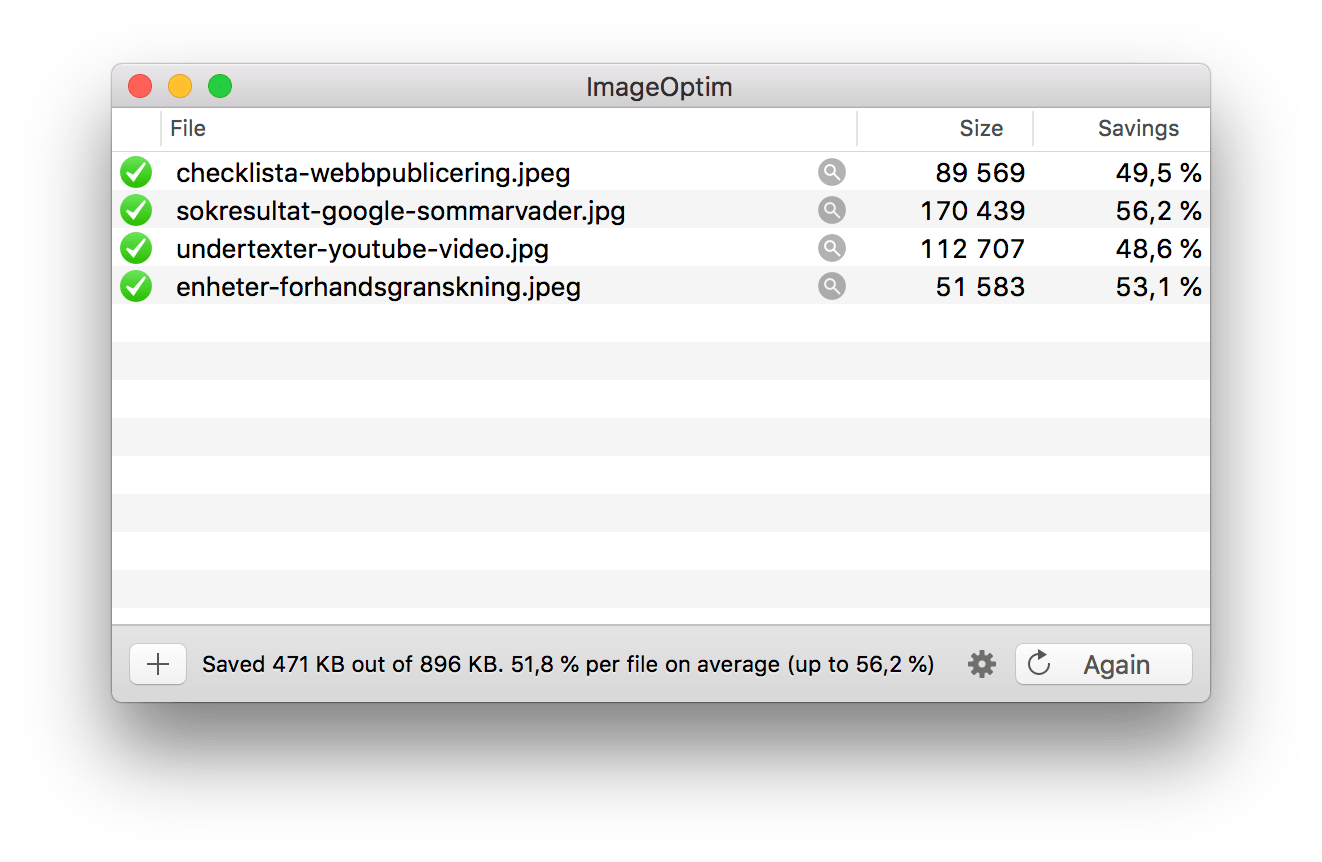
Don't save the image at maximum quality. For a JPEG image, around 60% is plenty and not something most people notice. Are you on a Mac? Download ImageOptim and run the image through it before you upload, and it'll optimise the file size for you.
Final check
When you've worked through almost everything, it's time for a few last checks. This is quality assurance. The icing on the cake, quite simply.
20. Have I previewed the content on different devices?
Have you looked at how the content ends up? On different devices? Your computer, tablet and phone? Does it look good everywhere? Don't forget that mobile-friendliness matters in Google's ranking.
With so many different devices around today, it's important to make sure your content looks good. Especially after all the energy you've put into it. Quite simply, don't forget to preview it before you publish.

21. Is the content scheduled for publishing?
Most often you write, lay out, fix and optimise your content before the day it's due to be published. Use scheduling in your CMS (content management system) so you don't have to sit there on Tuesday morning two weeks from now and press publish.
Schedule it, and add a reminder in your calendar or to-do list for when it goes live. Then remember to check that everything went right.
22. Do I have a plan for spreading the content?
When you've spent lots of time writing a fantastic text that's also incredibly well optimised, it would be a shame if nobody read it. Make sure you have a plan for how to spread the content. Via social media, newsletters, forums or anything else.
With a good plan, you make sure you get a good result and controlled reach, instead of leaving it to chance.
Download the checklist
If you go through this ultimate checklist for good content every time you publish content on the web, you won't miss the important things that make your content better and more effective.
But since you've already read it once, you only need a shorter list.
Download a short PDF of this checklist, so you always have it at hand every time you publish content on the web.